Understanding TradingView: A Comprehensive Overview
TradingView has become an essential tool for traders globally, offering sophisticated charting capabilities combined with a robust social network for financial analysis. With millions of users, the platform provides insights that transcend geographical barriers, making it an ideal choice not just for experienced traders, but also for beginners seeking to understand market dynamics. As we delve into the features and utilities of tradingview, you'll discover how it stands out in the crowded landscape of trading platforms.
What is TradingView and Who Uses It?
TradingView is a cloud-based financial platform that allows users to track stocks, forex, cryptocurrencies, and a multitude of financial markets. It combines advanced charting capabilities with social networking features, enabling traders to share strategies and market insights in real time. Traders ranging from casual investors to professional analysts utilize TradingView for its versatility and user-friendly interface.
Key Benefits of Using TradingView for Traders
The advantages of utilizing TradingView are numerous:
- Advanced Charting Tools: TradingView offers extensive charting tools, allowing users to visualize data in various formats through candlestick charts, line charts, and more.
- Real-Time Data: Users can access real-time market data, which is crucial for making timely trading decisions.
- Custom Alerts: TradingView allows users to set custom alerts for price movements, ensuring they never miss crucial trading opportunities.
- Social Interaction: The platform’s community features allow traders to connect, share ideas, and learn from one another, fostering a collaborative environment.
Understanding the TradingView Community and Social Features
One of TradingView's standout features is its vibrant community. Users can interact via public chats, publish trading ideas, and comment on strategies shared by others. This social dimension enhances the trading experience by providing diverse perspectives and strategies, often leading to improved trading outcomes.
Essential Trading Tools within TradingView
Advanced Charting Features of TradingView
TradingView’s advanced charting features are what truly set it apart. With tools such as:
- Multiple Indicators: Over 100 built-in indicators help traders conduct technical analysis.
- Scripts and Custom Indicators: Users can create custom scripts using Pine Script, TradingView's programming language for developing indicators and strategies.
- Chart Comparisons: Traders can compare multiple assets side by side for better analysis.
How to Customize Your TradingView Workspace
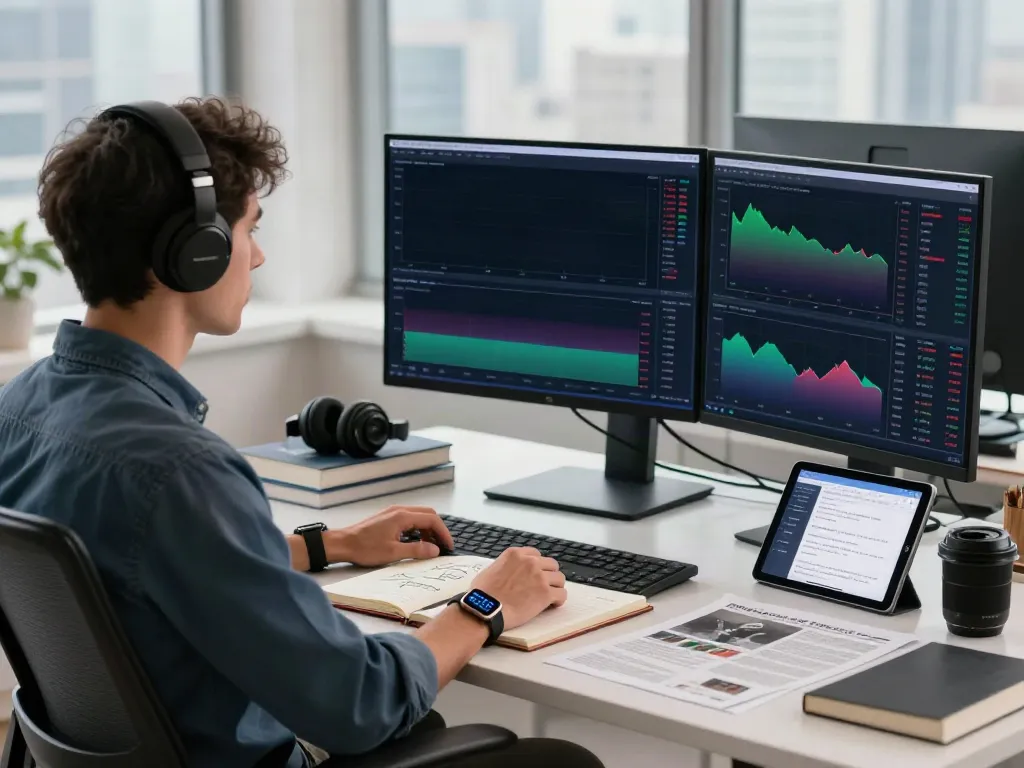
Customizing your workspace on TradingView allows you to tailor the platform to fit your trading style. Users can arrange charts, set color schemes, and create multiple layouts for different trading strategies. This flexibility enhances user experience and productivity, especially when monitoring multiple assets simultaneously.
Integrating TradingView with Other Trading Platforms
Seamless integration with various brokerage accounts allows TradingView users to execute trades directly from the platform. It supports a wide range of brokers, making it convenient for traders to link their existing accounts, enhancing workflow and efficiency.
Best Practices for Analyzing Markets with TradingView
Utilizing Technical Indicators Effectively
Understanding how to effectively use technical indicators can dramatically improve trading success. While TradingView offers numerous indicators, it's crucial to select those that align with your trading strategy. Commonly used indicators include Moving Averages, RSI (Relative Strength Index), and MACD (Moving Average Convergence Divergence), each serving different analytical purposes.
Building and Testing Trading Strategies on TradingView
Utilizing TradingView’s capabilities, traders can build and backtest strategies within the platform. By using historical data, traders can simulate how their strategies would perform in real market conditions, leading to more informed decision-making.
Real-World Examples of Successful Trades Using TradingView
Many traders share their success stories within the TradingView community, illustrating how specific strategies or indicators led to profitable trades. Analyzing these examples can provide new insights and inspire users to experiment with their trading approaches.
Staying Ahead: Future Trends in Trading with TradingView
Emerging Technologies Impacting Trading Platforms
The integration of artificial intelligence (AI) and machine learning is revolutionizing trading platforms, including TradingView. These technologies can help traders analyze vast amounts of data and enhance predictive capabilities, leading to more precise trading decisions.
Predictions for TradingView in 2026 and Beyond
As trading platforms evolve, it is expected that TradingView will integrate even more advanced features, such as enhanced AI-driven analytics, additional asset classes, and improved mobile functionalities, keeping pace with technological advancements and user demands.
How to Leverage Social Trading Insights for Your Advantage
Social trading can be a powerful tool. By following experienced traders, users can gain insights into successful strategies and market predictions, enhancing their own trading practices. Engaging actively within the TradingView community is encouraged to make the most out of these social features.
Getting Started with TradingView: A Step-by-Step Guide
Setting Up Your TradingView Account
Getting started with TradingView is straightforward. Users can sign up for a free account, which includes basic charting functionalities and community access. For advanced features, they can opt for one of the paid plans, which offer greater insights and tools.
Navigating TradingView's Features as a Beginner
For beginners, navigating the plethora of features on TradingView can be overwhelming. Familiarity with the dashboard layout, learning how to create charts, and using basic indicators should be prioritized. TradingView offers tutorials and resources to facilitate this learning process.
Common Challenges New Users Face and How to Overcome Them
New users often struggle with understanding complex indicators and chart patterns. To overcome this, it's beneficial to start with simpler strategies and gradually explore advanced tools as one’s trading confidence grows. Joining forums and participating in community discussions can also provide valuable insights and support.
What types of financial markets can I analyze with TradingView?
TradingView supports a vast array of financial markets including stocks, options, forex, and cryptocurrencies, making it suitable for diverse trading interests.
Is TradingView suitable for both beginners and experienced traders?
Yes, TradingView is designed to cater to users of all experience levels. Its user-friendly interface and extensive resources make it a great choice for beginners, while advanced features attract seasoned traders.
Can I access TradingView on mobile devices?
Absolutely! TradingView offers mobile applications for both iOS and Android, enabling users to analyze markets and execute trades on the go, ensuring they never miss an opportunity.
How can I integrate TradingView with my brokerage account?
Many brokerage accounts can be integrated directly with TradingView, allowing for easy order execution. Users should check their broker's compatibility and follow TradingView’s integration documentation to link their accounts.
Are there any costs associated with using TradingView?
While TradingView offers a free version with basic features, there are subscription plans available that unlock advanced functionalities and data. Users can choose a plan that best suits their trading needs.